
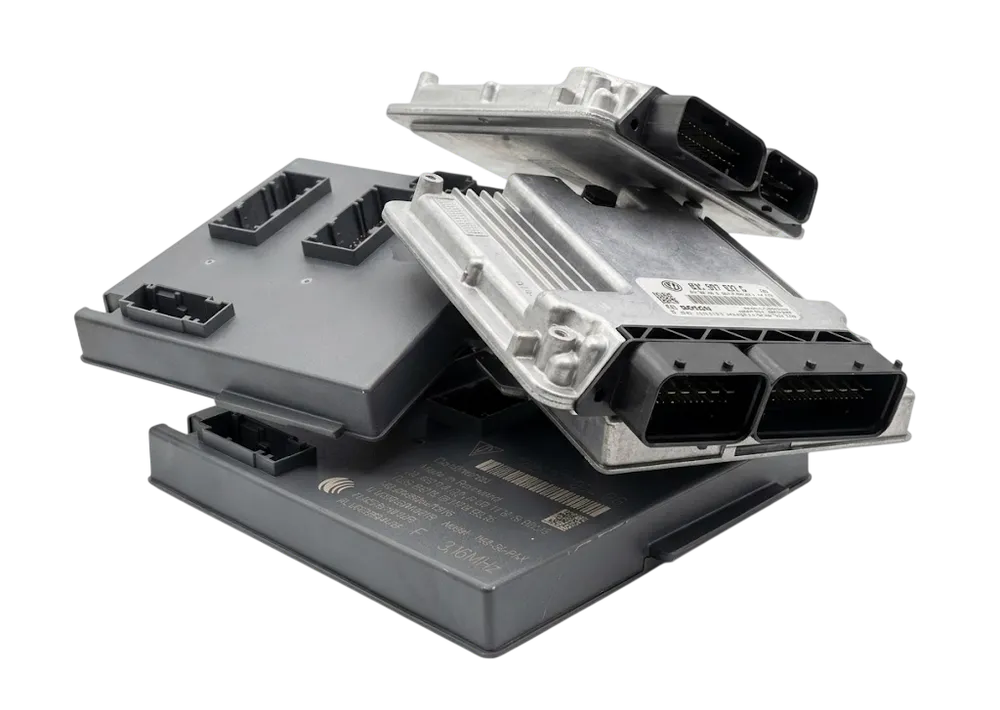
ECU tools
Immo data and engine controllers
Read the immobiliser data held in engine controllers, check it and write it back the way the job needs.
Open a secure online workspace, upload your original control unit file, check every field and download a clean result in minutes. Guided calculators for reading, editing and adapting immobiliser and control unit data, built for people who do this work every day.
eeprom_edited.bin
Result ready
Files go into private storage and come back through short lived links. Nothing sits behind an address anyone can guess.
Each tool tells you which file it needs, reads it for you and shows the fields before anything is written.
Process your file and download the result right where you started. No waiting for an inbox.
One token runs one job. Buy a few tokens as a guest, or take a plan if you work with us every week.
Every tool shows the memory type it expects and walks you through the supported steps, so you always know what to upload and what comes back.
Immo data and engine controllers
Read the immobiliser data held in engine controllers, check it and write it back the way the job needs.
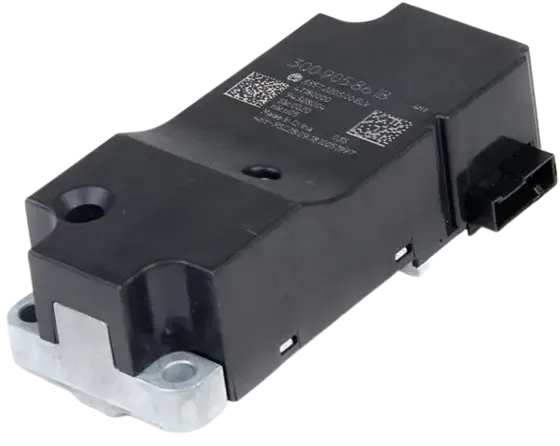
Body and steering lock adaptation
Work with body control modules and steering lock units, including CS, MAC and PIN data and power class.
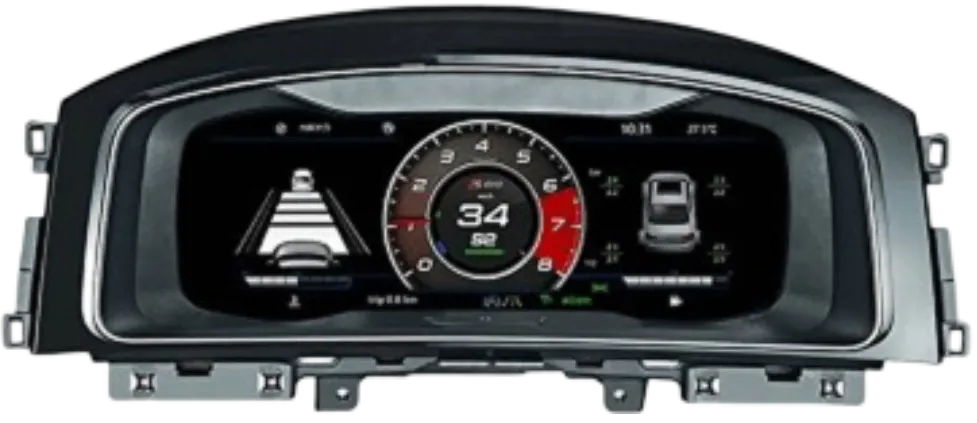
Transmission and synchronization
Keep transmission controllers and the rest of the car talking to each other after a swap or repair.
Open the tool that matches your control unit. Its page tells you exactly which file it expects.
Add the untouched original read. We check the file and fill in the fields for you.
Look over the values, change what the job needs and press Process files. One token, one job.
Take your result, write it back with your programmer and verify the checksum when the tool says so.
Cannot find your answer? Write to us and a real person replies.
You can browse every tool and read what it does without an account. Processing a file uses a token, so you only pay when you run a job.
No. Each tool names the file it needs, such as an EEPROM or a flash read. Follow the note on the tool page before you upload.
Not yet. We add tools one by one, and each one only accepts the files and variants it was built for. Anything it cannot recognize is turned away instead of guessed.
If an order fails on our side, the token goes back to your balance automatically.
Write to support@immodatatool.com or use the contact page. A real person reads every message.
Browse the tools, pick the one that fits your job and see how quickly a clean result comes back.