
ECU, IMMO, BCM and TCU tools in one secure workspace
Upload your original file, check the fields and download a clean result. Every tool is guided from start to finish, so you spend your time on the job and not on the file.
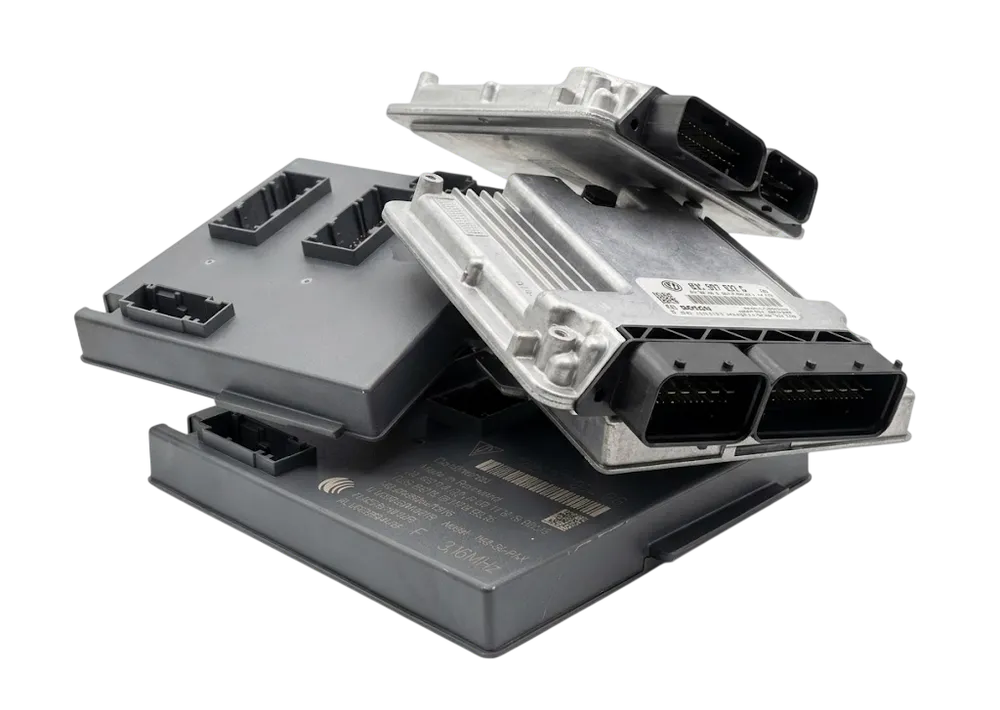
What do you need to work on?
Search by category or tool name, or pick a category to narrow the list.
Understand your file before you write it back
Automotive locksmiths
Immobiliser data, synchronization and replacement unit jobs without guesswork.
ECU and TCU specialists
Structured editing, cloning, adaptation and power class work in one clean flow.
Diagnostic workshops
Guided processing for body, steering lock, dashboard and control unit files.
Latest Products
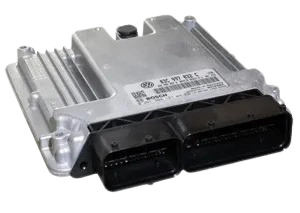
Audi J518
Read and edit the EEPROM of an Audi J518 control unit (EZS). Upload your 4096 byte EEPROM file, check the values and download the edited file.
How a run works
4 stepsPick your tool
Open the tool that matches your control unit. Its page tells you exactly which file it expects.
Upload the original
Add the untouched original read. We check the file and fill in the fields for you.
Review and process
Look over the values, change what the job needs and press Process files. One token, one job.
Download and write back
Take your result, write it back with your programmer and verify the checksum when the tool says so.
See it in action
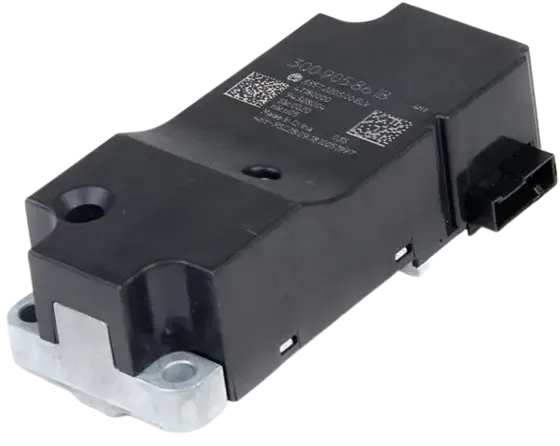
Spotlight
IMMO data, made readable
Open an immobilizer file and see every field laid out in a plain table. No hex editor needed.
Files we work with
Depends on the toolEach tool names the exact file it needs before you upload anything.
Always use an untouched original read of the file type the tool asks for.
How access works
4 stepsExplore
Browse the tools and check the one you need. No account required.
Choose how to pay
Buy tokens as a guest, or create an account to use a plan.
Activate
Pay securely through Stripe. Tokens or your plan are ready right away.
Start processing
Open your tool, upload your file and get your result.
Before you start
You can browse every tool and read what it does without an account. Processing a file uses a token, so you only pay when you run a job.
No. Each tool names the file it needs, such as an EEPROM or a flash read. Follow the note on the tool page before you upload.
Not yet. We add tools one by one, and each one only accepts the files and variants it was built for. Anything it cannot recognize is turned away instead of guessed.
If an order fails on our side, the token goes back to your balance automatically.
Write to support@immodatatool.com or use the contact page. A real person reads every message.
See the full catalog before you buy anything
Browse every category, confirm the tools you need, then pick the way to pay that suits you.